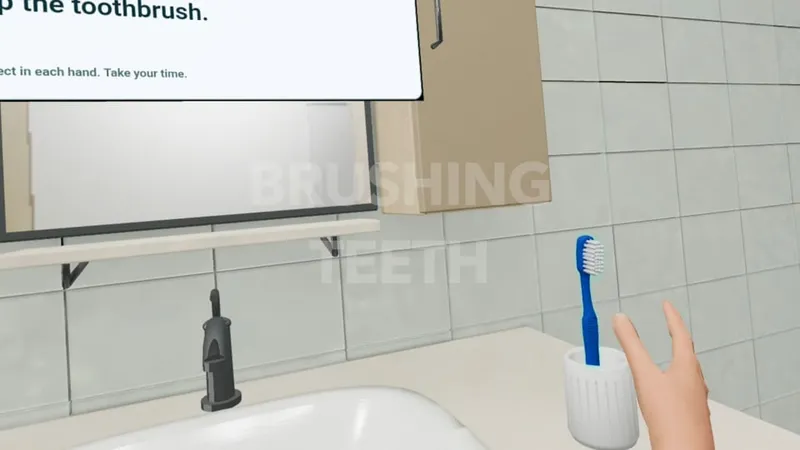
Personal care
Brushing Teeth
Work through a familiar self-care routine, step by step.

 Immersive activity practice
 Explore a library of everyday scenes, from bus journeys to brushing teeth. Choose activities, adjust the available challenge and review what happened with your client, without physically recreating every setting.
CorteXR Studio is not intended to diagnose, treat, monitor, prevent or alleviate any disease, injury or impairment. It is a therapist-led activity platform and does not replace your professional judgement.
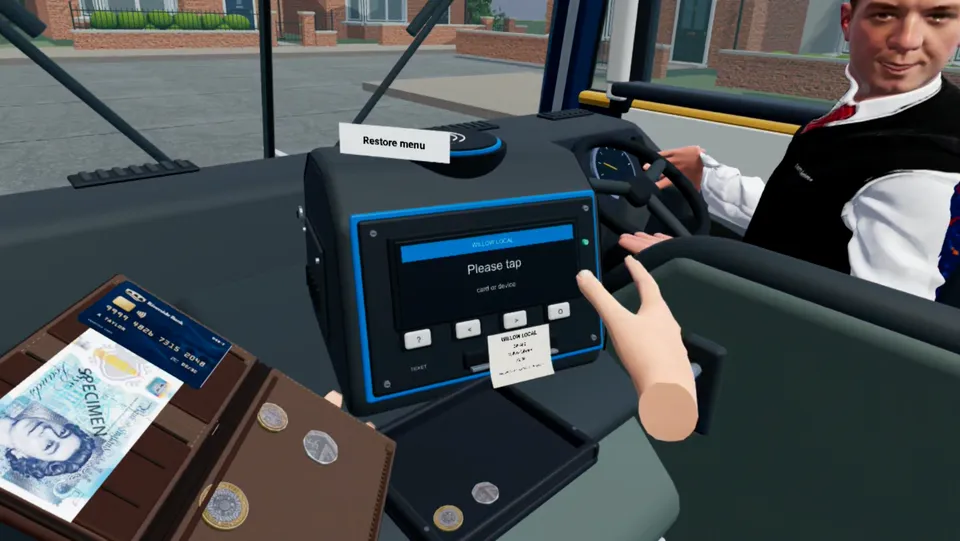
Travel, money handling and everyday independence · paying a bus fare in Studio
What Studio brings in
Choose from everyday simulations and structured spatial activities, adjust the available challenge, supervise the task and review what happened afterwards. Studio gives you situations that might otherwise require space, equipment, travel or access to a real setting.
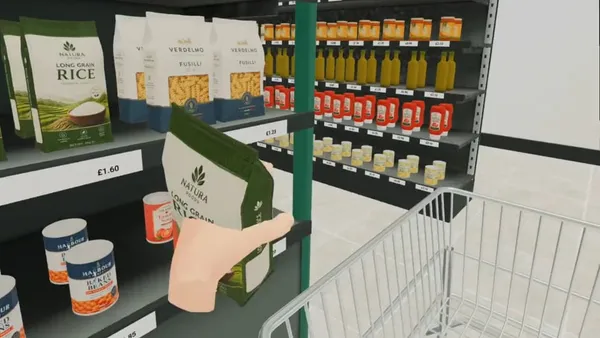
Shopping List is one example: work through a list together, watch the person's choices and return to the task with different support or challenge.
Find items from a shopping list in a supermarket scene.
A glimpse inside Studio
Start with settings that are hard to recreate in a therapy room, then explore kitchen routines, personal care and shorter activities. Choose the task demands that fit the person and the session.
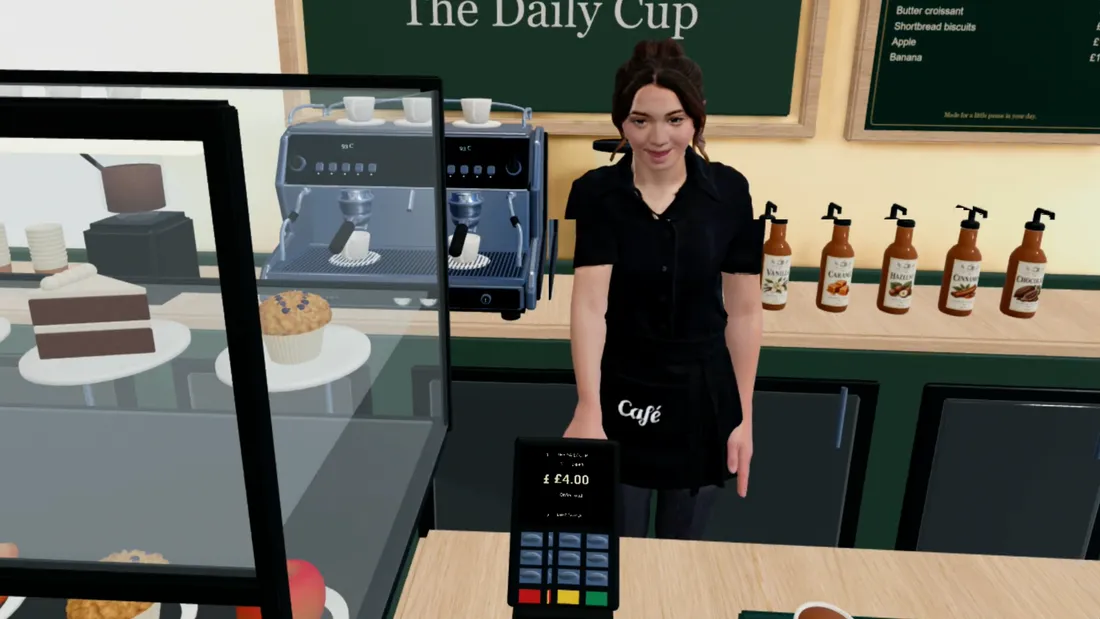
Community activity
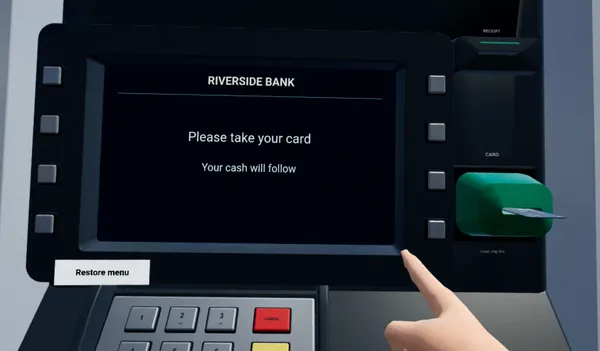
Paying a bus fare, using a cash machine, visiting a café and completing a postal errand bring money handling, travel and everyday decisions into view. These scenes give a therapist more to work with than clinic furniture alone.
Explore the community scenes → Work through a familiar self-care routine, step by step.
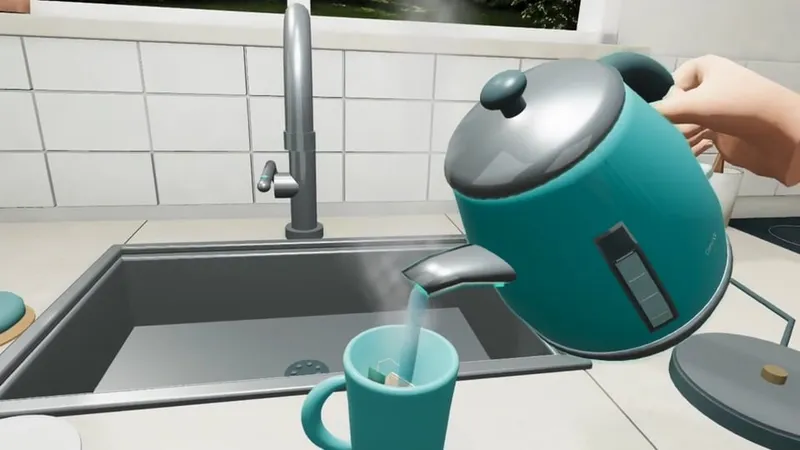
Follow the choices and sequence involved in making a drink.
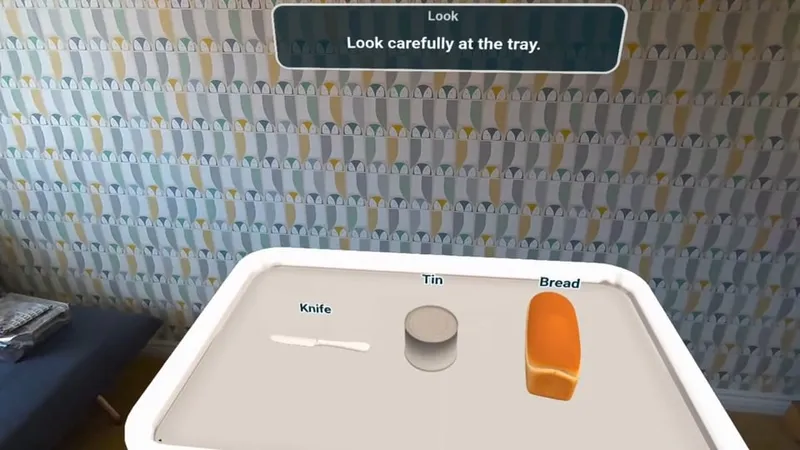
Use familiar objects to talk about attention and recall.
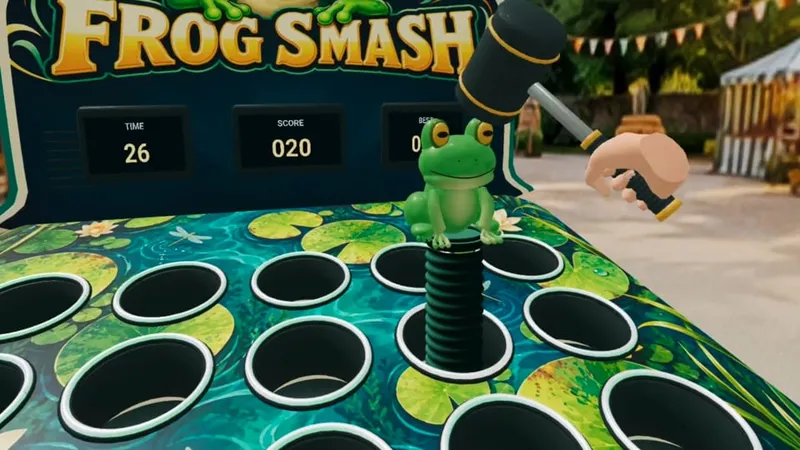
Bring reaching, attention and timing into a short task.
Activity data
Studio records different measures for different activities. You can look beyond whether a task was completed: review time on task, step timings, errors, cues and repeats where the activity captures them. Some activities also provide task results or heatmaps.
Use those details alongside what you observed in the room. The figures help you find moments to discuss and decide what to try next; they do not interpret the person for you.
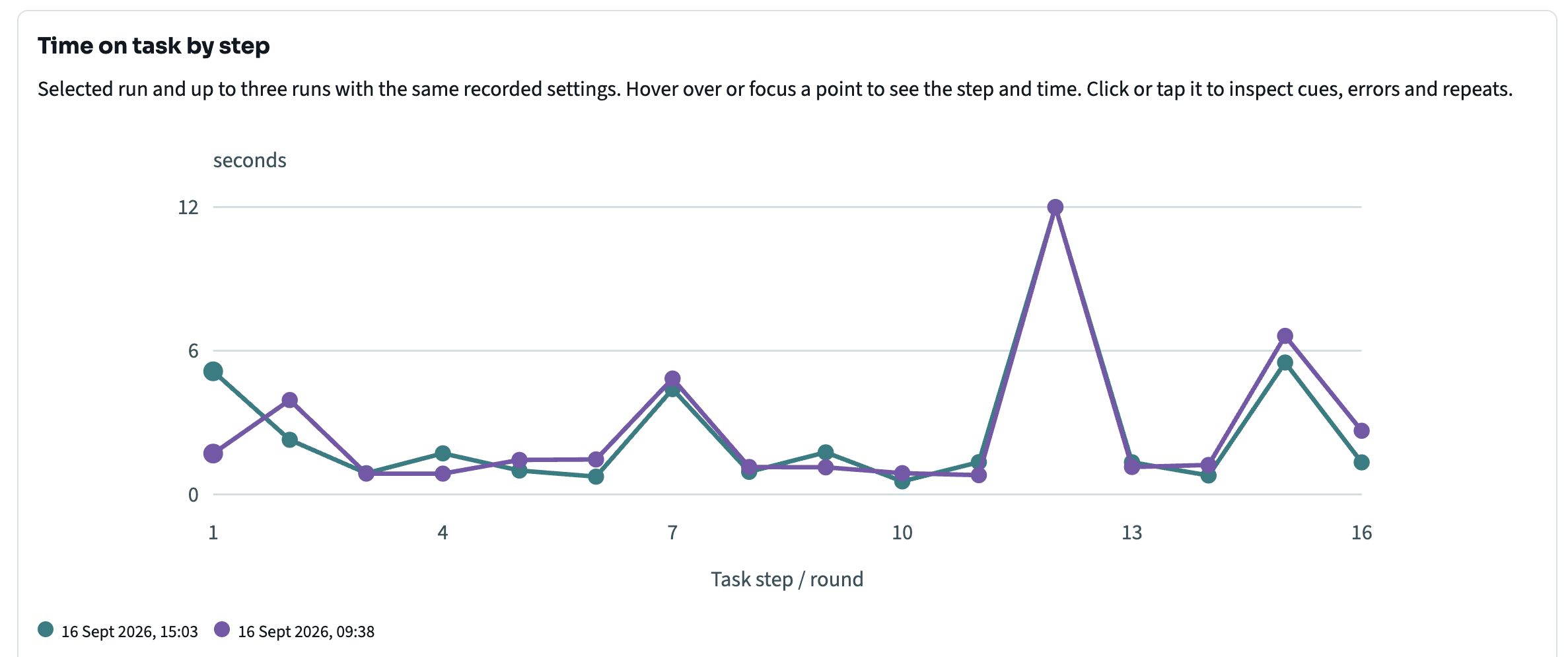
Measures that fit the task
A kitchen sequence can show where time was spent across its steps. In Hook-a-Duck, the client catches ducks in a colour-based task; the summary below shows catches, missed targets, decision time, errors and cues. Each activity has its own recorded measures.
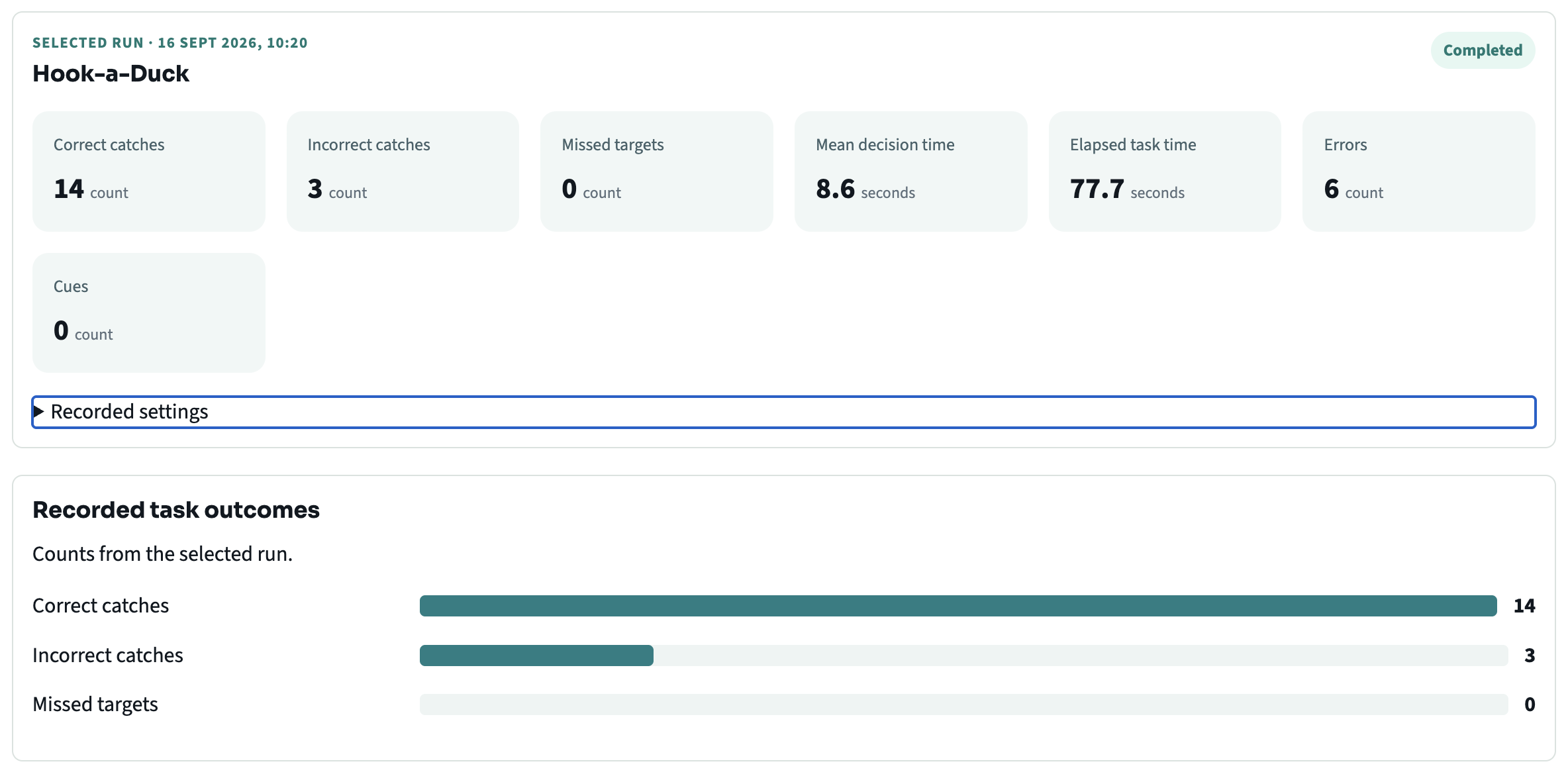
Selecting a point on the chart opens the task step and its recorded cues, errors, repeats and timing. The full step table lets you compare the runs in detail.
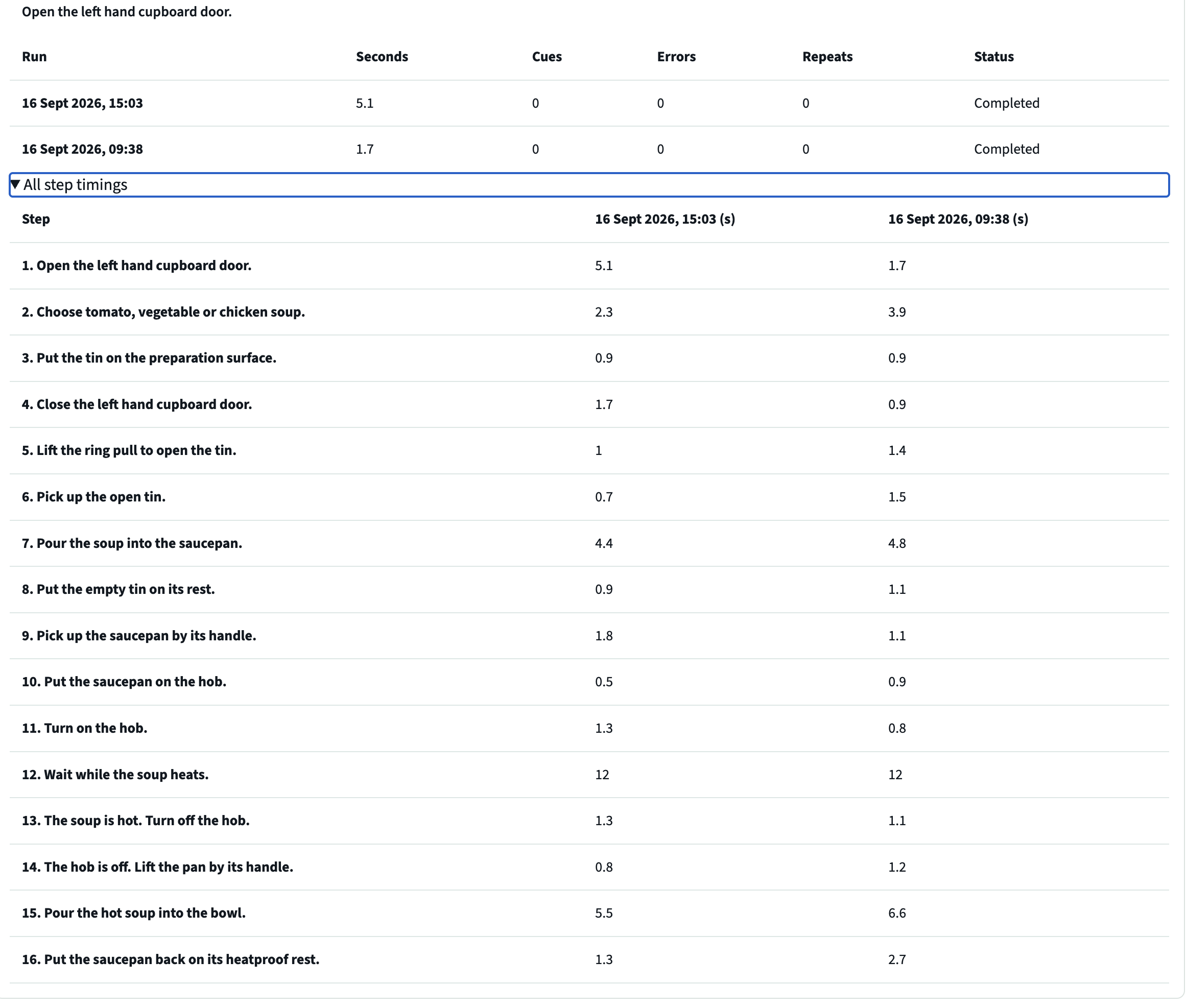
Available measures vary by activity. Studio activity data supports therapist-led review; it is not a diagnostic score, clinical outcome measure or a substitute for professional judgement.
Useful over time
Set the task at an appropriate level, work through it together and return to it in a later session. Activity review gives you another perspective alongside what you noticed.
Pick a task that connects to this client’s goals.
Set the available challenge, observe and offer support.
Review what happened and decide what to try next.
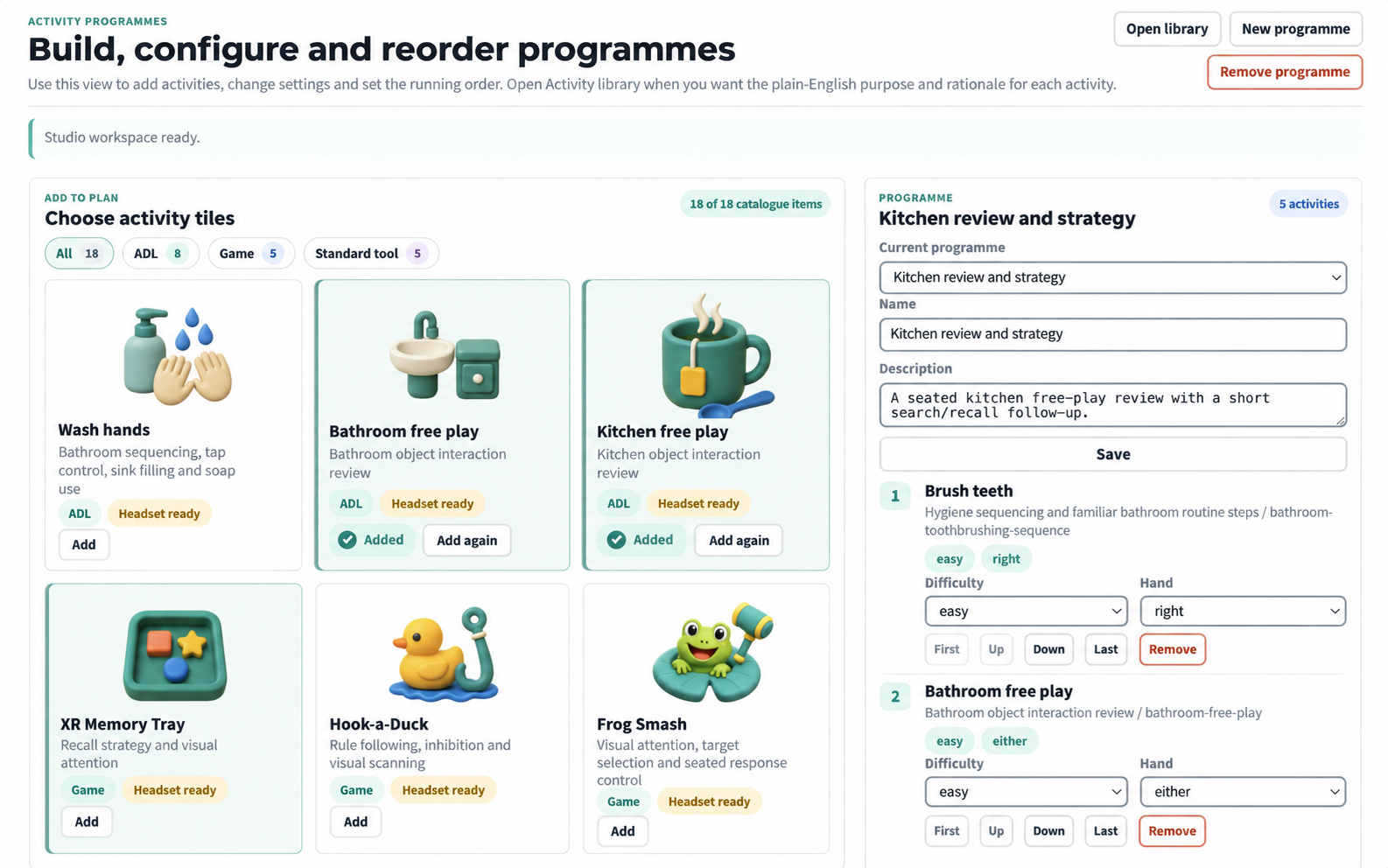
Different reasons to use it
One client may need an everyday sequence; another may need a focused task involving attention, memory or upper-limb use. You choose what fits the person in front of you.
For your working day
Studio is designed for supervised professional sessions, from independent OT practice to larger rehabilitation services. Clinicians choose the activity, pace the session and interpret what happened.
Explore headset and deployment supportUse a Studio station across suitable clients and therapists, with each professional leading their own session.
Choose everyday tasks or shorter activities for spatial exploration, object use, graded challenge and structured observation.
Choose a supported headset option, then use onboarding and remote support to make Studio part of the working day.
Explore Studio
Explore activity selection, supervision and review in occupational therapy.
Explore activity use across a larger service or team.
Review shared practice use, the package and headset support for independent OTs.
Practise shopping, travel and independent living skills with supervised Studio activities.
See bus, café, postal and street-crossing scenes from Studio.
Watch real recordings of Studio activities.
See the supported setup and onboarding options.
Your role
You choose the activity, supervise the session and make sense of what happened. For regulated cognitive stroke rehabilitation, CorteXR Stroke is a separate product with its own intended purpose and evidence.
You remain responsible for suitability, supervision and interpretation. The clinical evidence and UKCA marking described on this site apply to Stroke only.
Tell us about the people you work with. We’ll show you the activities and explore where they could fit your sessions.